Tunnex uses authenticator-app time-based one-time passwords (TOTP). Setup is a one-time secret ceremony; the seed and recovery codes must never appear in screenshots or tickets.
Enroll personal MFA
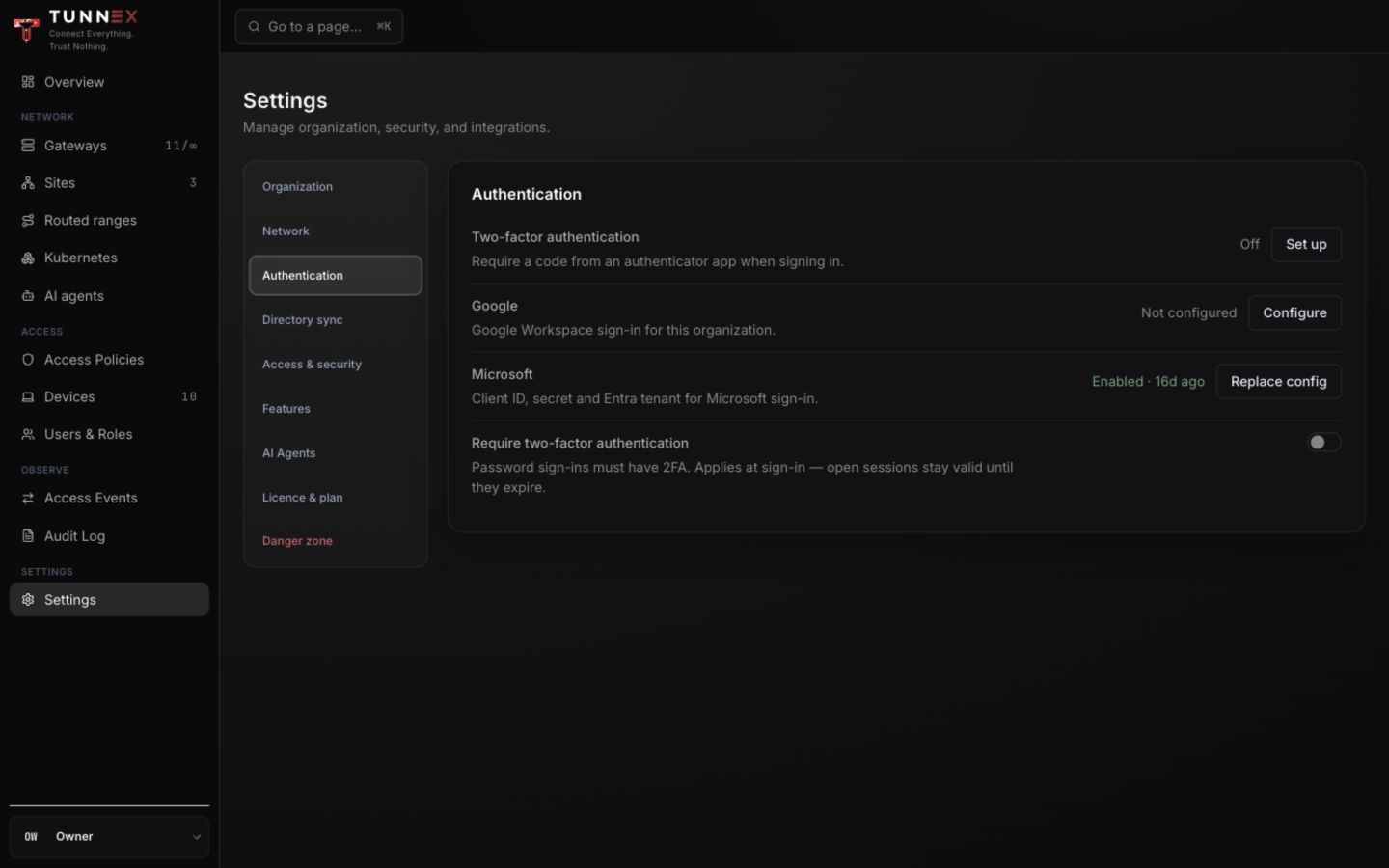
Section titled “Enroll personal MFA”Open Settings → Authentication. Under Two-factor authentication, select Set up.
- Scan the QR code with the authenticator app, or select Can’t scan? Enter a key manually.
- Enter the current 6-digit code.
- Select Verify & turn on.
- Save the one-time recovery codes in a password manager or offline recovery record.
- Acknowledge that the codes were stored before closing.
The server does not arm MFA until a TOTP code verifies the setup. Abandoning an unfinished setup can be restarted.
Sign in with MFA
Section titled “Sign in with MFA”After password authentication, enter the current authenticator code. If the device clock is wrong, correct time synchronization before generating repeated failures.
Use one recovery code only when the authenticator is unavailable. After sign-in, re-establish TOTP and replace the recovery set rather than keeping a nearly exhausted list.
Require MFA for the organization
Section titled “Require MFA for the organization”An entitled owner opens Settings → Authentication and turns on Require two-factor authentication.
This applies to password sign-ins at the next login. Existing sessions remain valid until they expire or are otherwise revoked. Password users without MFA are routed to the forced enrollment page before organization routes.
SSO authentication is governed by the identity-provider path; do not assume the password-sign-in requirement is an extra challenge on every SSO session. Enforce the corresponding policy at the IdP as well.
Administrator-assisted MFA reset
Section titled “Administrator-assisted MFA reset”If a user loses both the authenticator and recovery codes:
- Verify their identity through an established out-of-band process.
- Open Users & Roles.
- Select the user’s row action Reset 2FA.
- Ask them to sign in and enroll a new authenticator.
- Confirm the reset and reenrollment appear in the audit log.
Do not use email alone as proof when the email account may be the compromised factor.
Password recovery
Section titled “Password recovery”From Welcome back, select Forgot password?, enter the email, and select Send reset link.
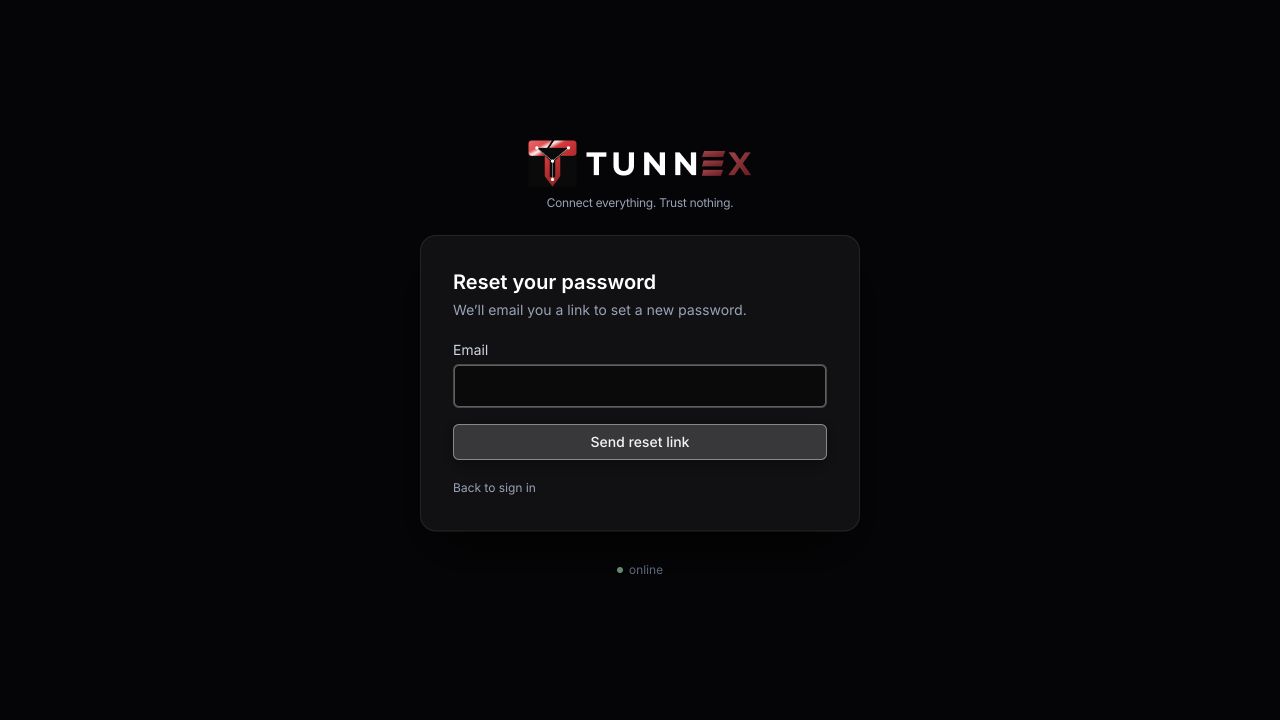
SMTP must be working for normal delivery. A reset link is a bearer secret; never log or publish it. An SSO-only user has no usable local password until a password reset establishes one.
Recovery checklist
Section titled “Recovery checklist”- Keep at least two named active owners.
- Store owner recovery codes separately from day-to-day devices.
- Test SMTP and the reset flow without exposing the link.
- Record who may approve an MFA reset.
- Revoke devices and sessions as separate incident actions when compromise is possible.
- Verify recovery events in Audit Log.